
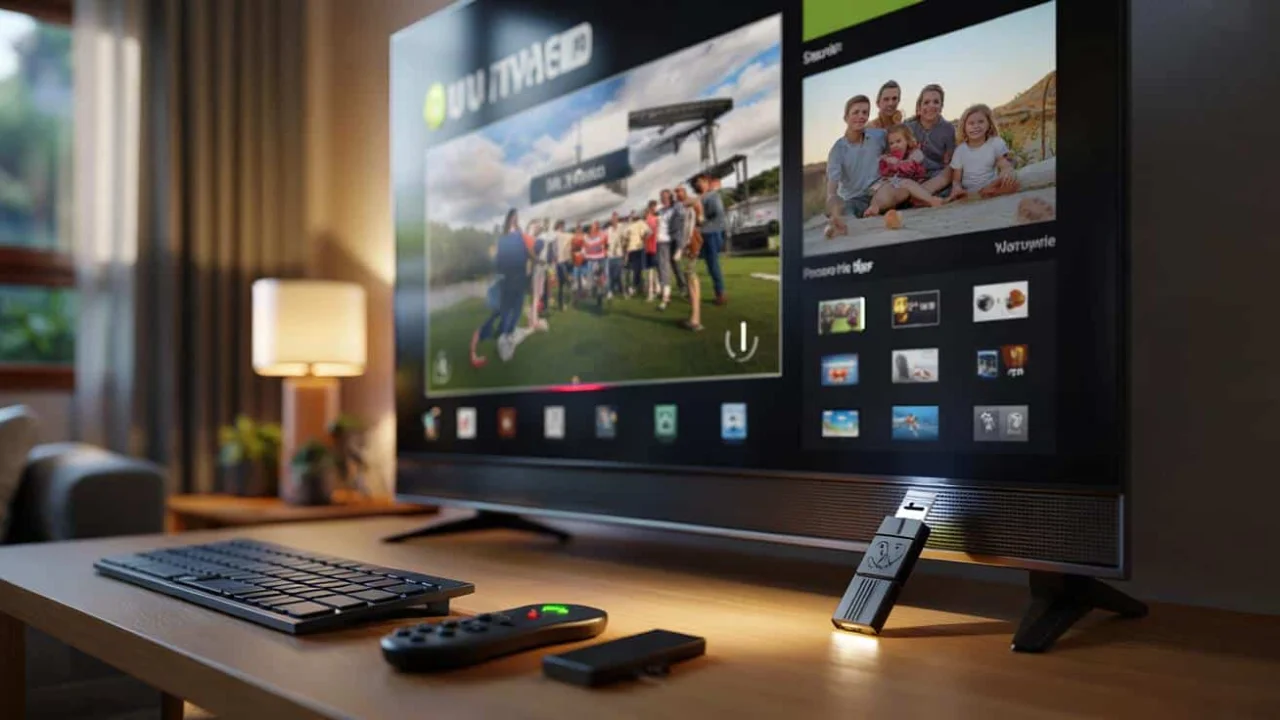
Sarah was wrestling with her smart TV remote for the tenth time that evening, trying to type her Netflix password using the arrow keys. Each letter felt like an eternity, and she kept making mistakes. “There has to be a better way,” she muttered, glancing at the small rectangular port on the side of her television.
Like millions of people, Sarah had never given much thought to that little USB port. It seemed like one of those technical features that only repair technicians or tech-savvy relatives would ever touch. But that tiny connector was about to change her entire TV experience.
What Sarah didn’t realize was that her TV USB port wasn’t just decorative. It was a gateway to transforming her ordinary television into something far more powerful and user-friendly than she ever imagined.
Why Your TV USB Port Matters More Than You Think
Most modern televisions come with at least one USB port, yet surveys show that over 70% of TV owners never use it. That’s like buying a car and never opening the glove compartment – you’re missing out on genuine convenience that’s already built into your device.
Your TV USB port can handle far more than just charging your phone. Modern smart TVs are essentially large computers, and that USB connection gives you access to features that can genuinely improve your daily viewing experience.
“People often overlook the USB port because they don’t understand what it can do,” explains Mark Chen, a home electronics specialist. “Once they discover these features, they wonder how they ever lived without them.”
Transform Your TV Into a Personal Recording Studio
The first game-changing use for your TV USB port is storage expansion. Most smart TVs ship with laughably small amounts of internal memory – often just 8GB or 16GB. After installing a few apps and storing some cached data, you’re already running out of space.
This is where an external drive connected to your USB port becomes invaluable. Simply plug in a USB stick or external hard drive, and most TVs will offer to format it for use as extended storage.
Once set up, you can:
- Pause and rewind live TV on supported channels
- Schedule recordings of your favorite shows
- Build a personal library of movies and series
- Free up internal memory for faster app performance
The recording quality typically matches your broadcast signal, so you’re not losing picture quality. The downside? Most manufacturers lock recordings to your specific TV for copyright protection, so you can’t transfer them to other devices.
| Storage Type | Capacity Range | Best For | Average Cost |
|---|---|---|---|
| USB Flash Drive | 32GB – 256GB | App storage, small recordings | $15 – $40 |
| Portable Hard Drive | 500GB – 2TB | Movie libraries, series recording | $60 – $120 |
| Desktop Hard Drive | 1TB – 8TB | Heavy recording, large collections | $80 – $200 |
Say Goodbye to Remote Control Frustration
Remember Sarah’s password struggle? A simple USB keyboard could have saved her twenty minutes of arrow-key torture. Smart TVs are designed to work like oversized tablets, but navigating with a remote feels like using a computer with oven mitts on.
Most TVs accept standard USB keyboards and mice immediately. Some even work with wireless models that use a small USB receiver. The difference in usability is night and day.
“I plugged in an old wireless keyboard from my spare parts drawer, and suddenly my smart TV actually felt smart,” says Lisa Rodriguez, a working mother of two. “Searching for shows, logging into apps, even browsing the internet became genuinely pleasant.”
Gaming enthusiasts can take this further by connecting USB gamepads. Many smart TV games support standard controllers, making platform games and retro gaming much more enjoyable than using your remote.
Create Your Own Media Entertainment Center
Your TV USB port can also serve as a direct media player. Load up a USB drive with your personal collection of movies, photos, or music, and most TVs will play them directly without needing any streaming service or internet connection.
This feature shines during family gatherings, power outages, or when your internet connection is acting up. You can:
- Display photo slideshows from family vacations
- Play music collections through your TV’s speakers
- Watch downloaded movies without buffering issues
- Share content from older devices that don’t support modern streaming
The supported file formats vary by manufacturer, but most modern TVs handle common formats like MP4 for video, MP3 for audio, and JPEG for photos.
Power Up Your Smart Home Setup
Tech-savvy users can push their TV USB port even further by connecting specialized devices. USB hubs can multiply your single port into several, allowing multiple accessories simultaneously.
Some creative applications include:
- USB Wi-Fi adapters to improve internet connectivity
- Webcams for video calling through compatible apps
- USB light strips for ambient backlighting
- Cooling fans to prevent overheating in enclosed cabinets
“The USB port essentially turns your TV into a more versatile computer,” notes David Kim, a smart home consultant. “With the right accessories, you can customize your setup in ways the manufacturer never intended.”
Getting the Most From Your TV USB Port
Not every TV USB port offers the same capabilities. Older models might only provide basic file playback, while newer smart TVs support recording, external storage, and multiple device types.
Check your TV’s manual or settings menu to understand what your specific model supports. Some manufacturers require you to enable USB features in the settings before they’ll work properly.
Power output also varies. Some USB ports provide enough juice to run portable hard drives, while others work best with flash drives or devices that have their own power supply.
The key is experimentation. Start with something simple like a USB keyboard or flash drive loaded with photos. Once you see how convenient these features are, you’ll naturally discover more ways to enhance your TV experience.
That overlooked USB port might just be the upgrade your entertainment setup never knew it needed.
FAQs
Can I use any USB device with my TV?
Most standard USB devices work, but compatibility varies by TV model and device type. Check your TV manual for specific supported formats and devices.
Will using USB storage slow down my TV?
Fast USB 3.0 drives actually improve performance by freeing up internal memory. Slow USB 2.0 drives might cause minor delays during recording playback.
Can I connect multiple USB devices at once?
Most TVs have 2-3 USB ports, or you can use a USB hub to connect multiple devices to a single port.
Do recorded shows stay if I unplug the USB drive?
Recordings are stored on the drive, so unplugging it removes access to those files. The recordings typically only work on the TV that created them.
Why won’t my wireless keyboard work with my TV?
Make sure the USB receiver is properly connected and that your TV supports wireless input devices. Some older models only work with wired keyboards.
Can I use my TV USB port to charge devices?
Yes, most TV USB ports provide power for charging phones or tablets, though charging speed may be slower than dedicated wall chargers.